Son Goku

Final Render in Unreal with some Photoshop Effects on top.
Here you can see a Maya Viewport with an rotating light so you can see how the normals react to it.
The shader I am using here is the standard Maya toon shader, with the two different textures I am using multiplied on top of it.
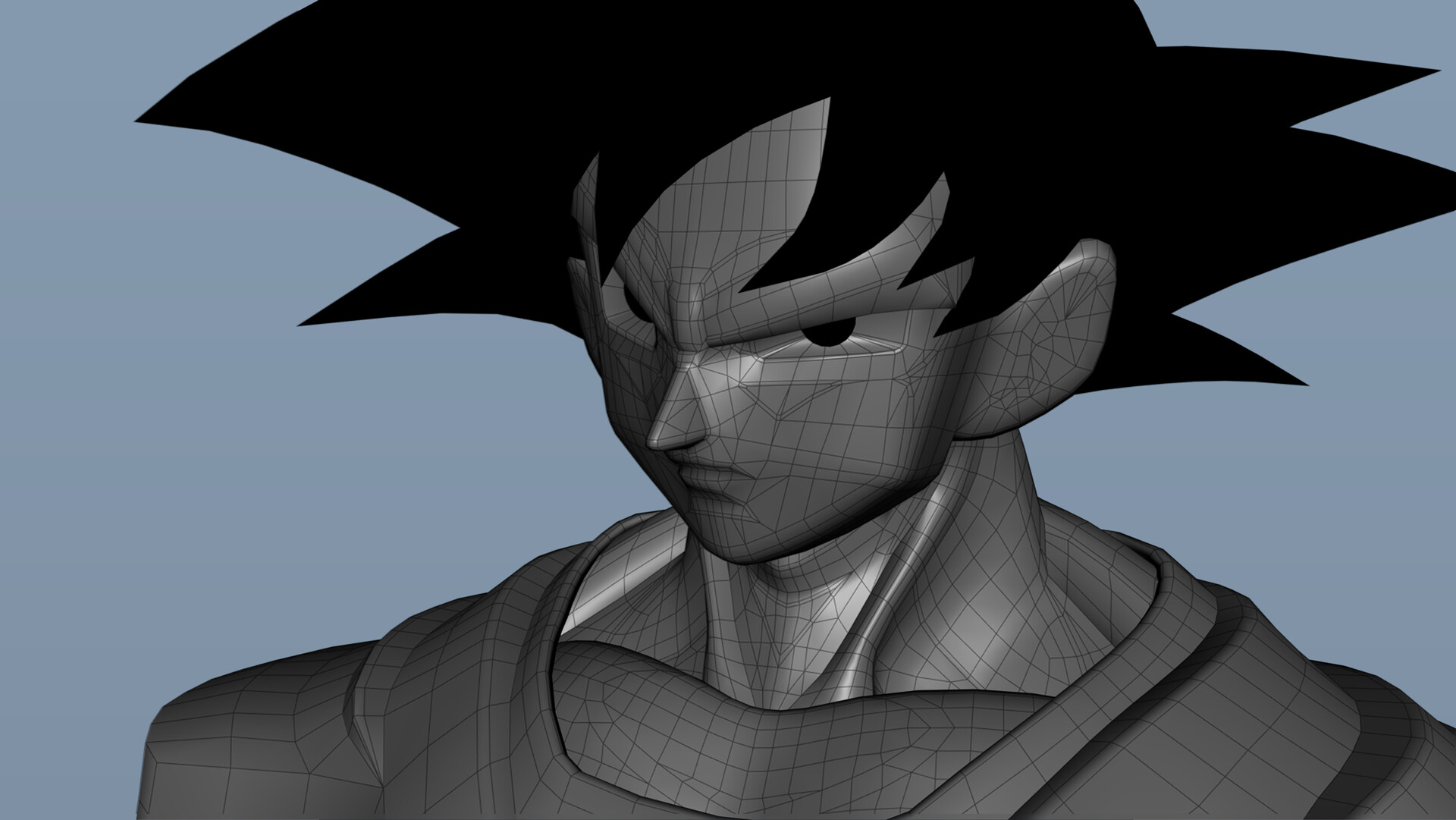
I started by modeling Goku in Maya, I didn't use Zbrush cause I would not need to bake normals maps anyway. After I was happy with the base shape of him, I started cutting in edge loops where shadows will be.

Here you can see all the different Patches I created with edge loops around them. This allows me to force the normals on each patch into a slightly different direction and create the stepping shadow that we see in Anime.

Here you can see how Goku looked when I was done forcing the normals and with the basic toon shader applied inside Maya. As you can see the shadowing on the Model already looks like the Anime.

In this step I unfolded the model as square as possible to create the outlines on him. As you can see there is not a lot happening inside the texture itself as it should look very flat.

Afterwards I created a second UV Channel and used a 512x512 px Texture with different kind of Strokes to multiply them on top of the Bust. As you can see it adds Lines in places where just using Edges and UVs would not worked.

At the very end I duplicated the whole mesh, inverted it and translated it slightly away from the model. This gave me the overall Outlines on him.
Son Goku
I created this bust of Goku to get more knowledge on how to create an believable Anime Look in 3D and inside Unreal.
Next to the still, you can also see the process on how I got there.
The shader I used inside Unreal is the Genshin Impact shader by Ben Ayers. I just expended a bit on it so I was able to add a detail map in the 2nd UV channel.